Learn React Native Step by Step: A Practical Mobile Development Path
A structured React Native learning path covering setup, components, props, state, Flexbox, responsive layouts and real-device practice.

1. React Native versus React for the web
| Web React | React Native |
|---|---|
| div | View |
| p / span | Text |
| img | Image |
| button | Pressable / Button |
| input | TextInput |
| CSS files | style prop / StyleSheet |
| window scroll | ScrollView / FlatList |
React Native uses the React component model, but it renders native platform views instead of HTML. The official docs recommend learning core components and Flexbox early because most screens are built from them.
2. Create the Expo project
npx create-expo-app@latest study-sessions
cd study-sessions
npx expo start
Open the QR code with Expo Go on Android for fast iteration, or use an emulator/dev build when your project needs native modules that Expo Go does not include.
3. Your first native screen
import { SafeAreaView, StyleSheet, Text, View } from 'react-native';

export default function HomeScreen() {
  return (
    <SafeAreaView style={styles.screen}>
      <View style={styles.card}>
        <Text style={styles.title}>Study Sessions</Text>
        <Text>Plan one focused session at a time.</Text>
      </View>
    </SafeAreaView>
  );
}

const styles = StyleSheet.create({
  screen: { flex: 1, padding: 20, backgroundColor: '#f6f8fc' },
  card: { padding: 18, borderRadius: 18, backgroundColor: '#fff' },
  title: { fontSize: 24, fontWeight: '800', marginBottom: 8 },
});
4. Flexbox: the layout skill you will use every day
const styles = StyleSheet.create({
  row: {
    flexDirection: 'row',
    alignItems: 'center',
    justifyContent: 'space-between',
    gap: 12,
  },
  item: { flex: 1 },
});5. Capture user input
import { useState } from 'react';
import { Pressable, StyleSheet, Text, TextInput, View } from 'react-native';

export default function AddSessionForm({ onAdd }) {
  const [subject, setSubject] = useState('');

  function submit() {
    const clean = subject.trim();
    if (!clean) return;
    onAdd({ id: String(Date.now()), subject: clean, done: false });
    setSubject('');
  }

  return (
    <View style={styles.row}>
      <TextInput value={subject} onChangeText={setSubject} placeholder="Subject" style={styles.input} />
      <Pressable onPress={submit} style={styles.button}><Text style={styles.buttonText}>Add</Text></Pressable>
    </View>
  );
}

const styles = StyleSheet.create({
  row: { flexDirection: 'row', gap: 8 },
  input: { flex: 1, borderWidth: 1, borderColor: '#dbe2ea', borderRadius: 12, padding: 12 },
  button: { backgroundColor: '#1268F3', borderRadius: 12, paddingHorizontal: 18, justifyContent: 'center' },
  buttonText: { color: '#fff', fontWeight: '800' },
});
6. Render long lists with FlatList
import { FlatList, Pressable, Text, View } from 'react-native';

export default function SessionList({ sessions, onToggle }) {
  return (
    <FlatList
      data={sessions}
      keyExtractor={(item) => item.id}
      renderItem={({ item }) => (
        <Pressable onPress={() => onToggle(item.id)}>
          <View style={{ paddingVertical: 14 }}>
            <Text style={{ textDecorationLine: item.done ? 'line-through' : 'none' }}>
              {item.subject}
            </Text>
          </View>
        </Pressable>
      )}
      ListEmptyComponent={<Text>No sessions yet.</Text>}
    />
  );
}
7. Put state together
const [sessions, setSessions] = useState([]);

function addSession(session) {
  setSessions((current) => [session, ...current]);
}

function toggleSession(id) {
  setSessions((current) => current.map((item) =>
    item.id === id ? { ...item, done: !item.done } : item
  ));
}
8. Persist locally with AsyncStorage
npx expo install @react-native-async-storage/async-storageimport AsyncStorage from '@react-native-async-storage/async-storage';
const KEY = 'study.sessions.v1';
async function loadSessions() {
const raw = await AsyncStorage.getItem(KEY);
return raw ? JSON.parse(raw) : [];
}
async function saveSessions(sessions) {
await AsyncStorage.setItem(KEY, JSON.stringify(sessions));
}9. Add routes with Expo Router
| File | Route |
|---|---|
| app/index.jsx | / |
| app/sessions.jsx | /sessions |
| app/session/[id].jsx | /session/123 |
| app/_layout.jsx | Shared stack/tabs layout |
import { router } from 'expo-router';

<Pressable onPress={() => router.push(`/session/${item.id}`)}>
  <Text>{item.subject}</Text>
</Pressable>
10. Fetch remote data safely
const [status, setStatus] = useState('idle');
const [quote, setQuote] = useState(null);

async function loadQuote() {
  try {
    setStatus('loading');
    const response = await fetch('https://example.com/api/quote');
    if (!response.ok) throw new Error('Request failed');
    setQuote(await response.json());
    setStatus('ready');
  } catch {
    setStatus('error');
  }
}
11. Build for small phones first
- ✓Text can wrap without overlapping icons.
- ✓Buttons remain at least comfortable touch size.
- ✓Keyboard does not hide important inputs.
- ✓Long lists use FlatList rather than mapping hundreds of views.
- ✓Offline state has a clear message instead of a blank screen.
- ✓Images have fixed aspect ratios or predictable dimensions.
12. Your Android project challenge
- 1Day 1
Home screen + add-session form.
- 2Day 2
FlatList + complete/uncomplete actions.
- 3Day 3
Local persistence with AsyncStorage.
- 4Day 4
Expo Router detail screen.
- 5Day 5
Offline state, loading state and real-device testing.
Official references
Sources and further reading
Clarvo articles are independently written. These references let you inspect the original inspiration and primary or official sources used to deepen the guide.
You can also read
 Clarvo & PrivacyHow to Delete Your Clarvo Account — What Happens, What You Lose, and What to Check First11 min read →
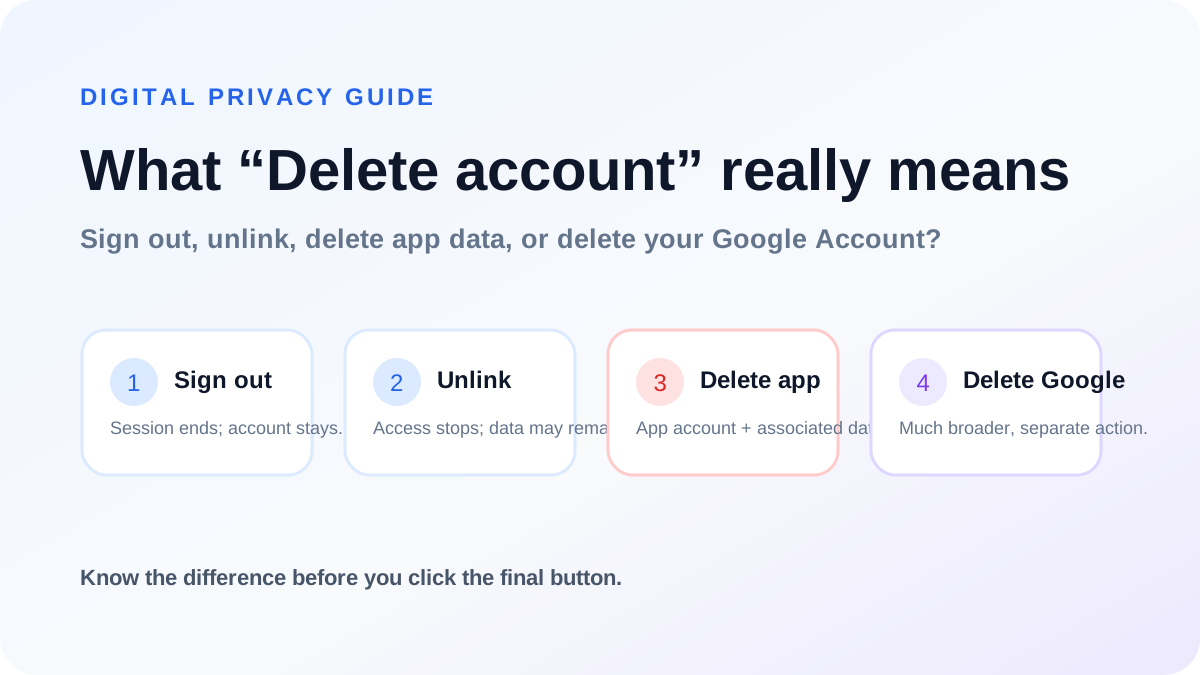 Digital PrivacyDeleting an Online Account Safely: Sign Out vs Unlink vs Delete12 min read →
 Web DevelopmentGetting Started with Next.js: A Beginner-Friendly App Router Guide14 min read →
 Web DevelopmentMaster React Step by Step: From Components to Hooks and Real Projects13 min read →