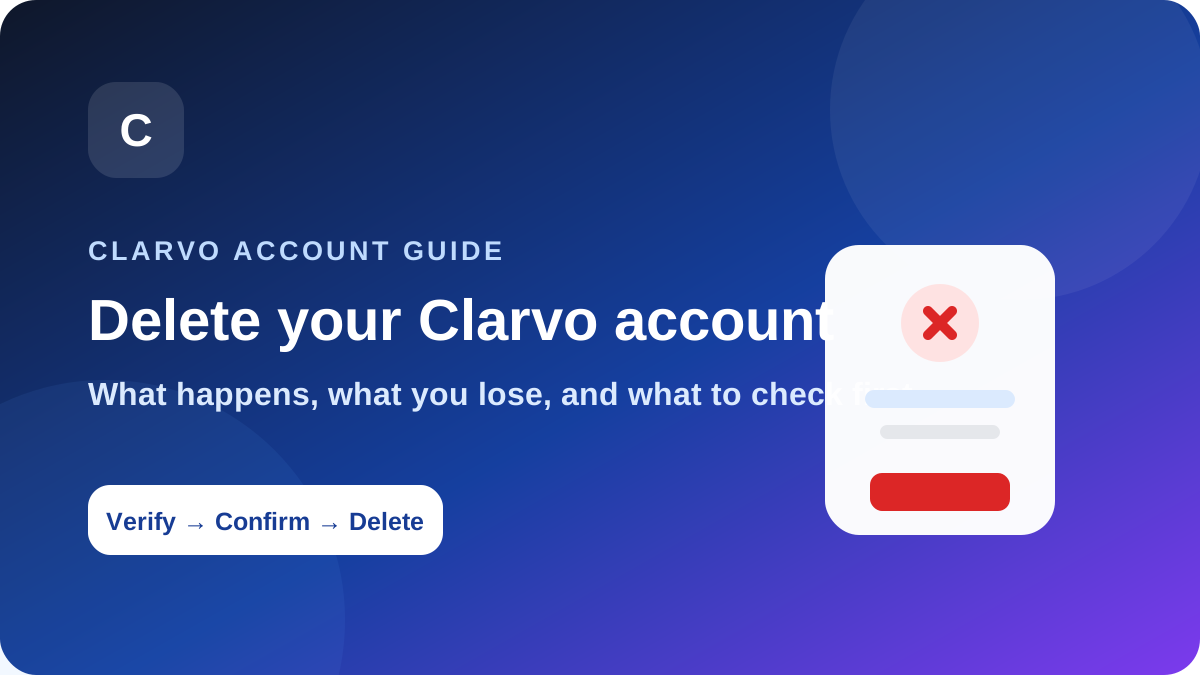
How to Delete Your Clarvo Account — What Happens, What You Lose, and What to Check First
A complete guide to the Clarvo account-deletion process, identity verification, Google sign-in, data removal, disadvantages, and the checks you should make before confirming.

Before you press Delete
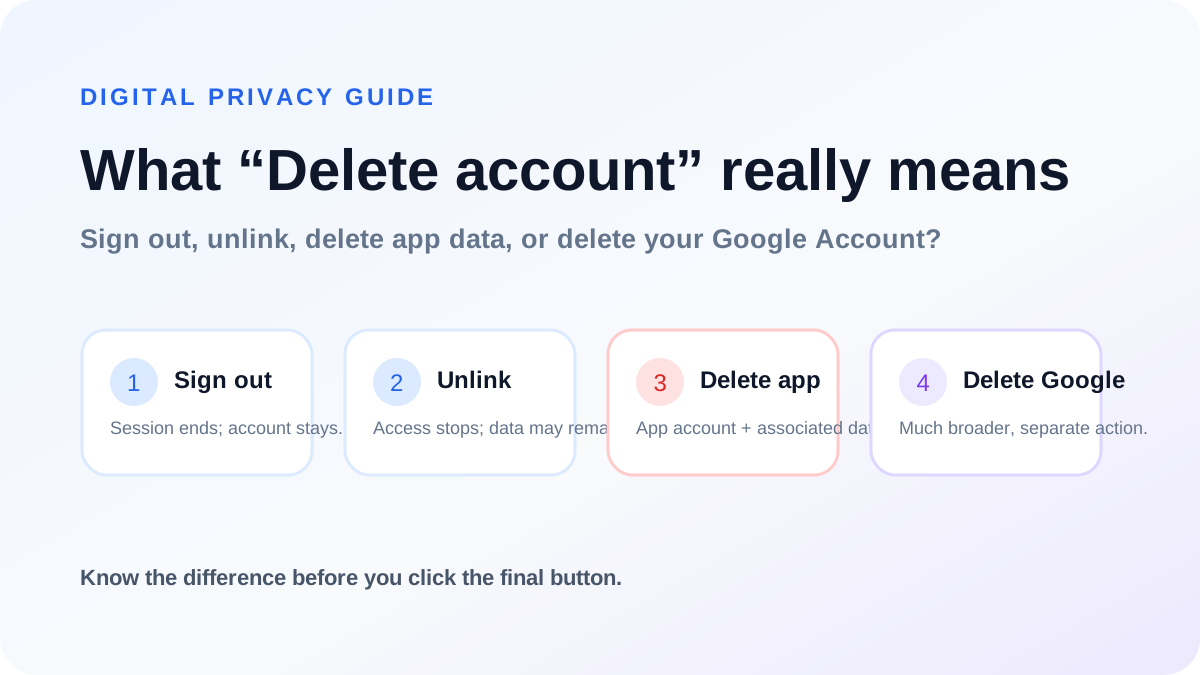
Deleting a Clarvo account is intentionally different from signing out, uninstalling the app, clearing app data, or disconnecting Google. Account deletion is the permanent option. It is meant for a learner who wants the Clarvo account identity and the cloud data associated with that account removed.
Because the action is difficult or impossible to reverse, Clarvo now places identity verification and an explicit typed confirmation in front of the final delete button. This guide explains the current web flow, what the action is designed to remove, what it does not touch, and the practical disadvantages you should consider first.
1. First decide whether you really need account deletion
If your goal is only to stop using Clarvo for a while, signing out is usually enough. If you want fewer communications, changing your communication choices is less destructive. If your concern is Sign in with Google access, removing the app from your Google linked-apps settings is a separate action.
Deleting the Clarvo account is the option for when you want the Clarvo identity itself removed. It can affect your profile, learning history, progress and account-linked benefits. Do not use account deletion as a substitute for a temporary break.
2. Check these things before you start
Before deletion, review anything attached to the account that matters to you. Check your current plan or paid benefits, receipts or transaction history that you may need for your own records, your public learner profile, and any progress you care about such as XP or streaks.
If you use email and password, make sure you know the current Clarvo password. If you use Sign in with Google, make sure you can still access the same Google Account used with Clarvo. The verification step is designed to prevent someone who merely has access to an unlocked browser session from deleting your account.
3. How to delete your Clarvo account on the web
Open the Clarvo account-deletion page at clarvo-mobile-app.vercel.app/delete-account. If you are not signed in, Clarvo first asks you to sign in so it can identify the account that you intend to remove.
The deletion screen then shows the account email and asks you to verify your identity. Password users can verify with their current Clarvo password. Google users can use the Google verification button. After verification succeeds, Clarvo unlocks the final confirmation step.
You must then type the exact sentence shown by the page: “I know I want to delete my account”. Only when the identity has been verified and the sentence matches exactly does the permanent delete button become available.
4. Why Clarvo asks you to authenticate again
Firebase treats account deletion as a security-sensitive operation. Its documentation states that deleting a user requires a recent sign-in. If a session is too old, the application should ask the user to re-authenticate and then try the sensitive action again.
That requirement is useful protection. A browser can remain signed in for a long time, and a stolen or unattended device should not be able to delete an account just because an old session still exists. Clarvo therefore makes recent identity verification part of the deletion journey rather than relying on a simple browser confirmation popup.
5. If you created Clarvo with email and password
Use the password verification field on the deletion page. Clarvo sends the credentials through Firebase Authentication to verify that the password belongs to the same account currently signed in. A successful verification refreshes the security context for the deletion.
If the password is wrong, the process should stop. If you have forgotten it, reset the password first and then return to the deletion page. Do not type your password into messages, support chats or unofficial forms.
6. If you use Sign in with Google
Use the Google verification option. Google’s own documentation explains that Sign in with Google does not give the third-party application your Google Account password. Clarvo therefore should never ask you to type your Google password into a Clarvo form.
The correct pattern is to let Google verify the Google Account and return a credential or token that Clarvo/Firebase can use. If a page claiming to be Clarvo directly asks for your Gmail password outside Google’s sign-in experience, stop and check the URL before continuing.
7. What the current Clarvo deletion flow is designed to remove
Clarvo’s current privacy and deletion flow is designed to remove the Clarvo cloud learning data associated with the authenticated account and then remove the associated Firebase Authentication identity. After a successful deletion, that Clarvo identity should no longer be usable to sign in as the same account.
The practical result is that account-linked profile and learning information may no longer be available. A public learner-profile URL associated with the deleted account may also stop resolving once the underlying account/profile is gone. If you later return to Clarvo, you may need to create a new account rather than recovering the deleted one.
8. What deleting Clarvo does NOT delete
Deleting a Clarvo account does not delete your Google Account. Google explicitly treats a Google Account and an account on a third-party app as separate accounts. Your Gmail, Google Drive, Google Photos, YouTube and other Google services are not deleted simply because you delete Clarvo.
Likewise, removing Clarvo from Google’s linked-apps page is not the same as deleting the Clarvo account. Revoking a link stops or changes Google access, but the third-party app may still hold data it already received. To delete Clarvo-held data, use Clarvo’s own account-deletion flow.
9. The main disadvantages of deleting your Clarvo account
The biggest disadvantage is loss of continuity. Progress connected to the deleted account may no longer be recoverable: profile information, learning history, XP, streaks or other cloud-linked study state can disappear with the account. If you create a new account later, it should be treated as a new identity unless Clarvo explicitly provides a recovery mechanism.
A second disadvantage is access to account-linked benefits. If you have an active paid benefit, premium period, purchased entitlement, receipt or account-specific transaction you still need to reference, review it before deletion. Deleting an identity can make it harder or impossible to access benefits that were attached to that identity.
A third disadvantage is discoverability and sharing. A public profile link tied to the deleted learner may no longer work. People who previously used that link to view your selected public learning stats may see an unavailable profile instead.
10. Deletion does not always mean every technical record vanishes at the same millisecond
Clarvo’s privacy policy notes that some short-lived operational records may expire according to configured retention periods. This is a common distinction in account systems: the main user account and product data can be deleted while limited security, synchronization, fraud-prevention or reliability records follow a separate retention schedule.
That does not mean the deleted account remains active. It means users should distinguish account deletion from the lifecycle of narrowly scoped operational records. Clarvo should keep such retention limited to a legitimate operational purpose and describe it transparently.
11. What to do if deletion fails
If the page says your sign-in is too old, verify again. If password verification fails, confirm that you are using the password for the same Clarvo account displayed on the page. If you normally use Google, use the Google verification option instead of trying random passwords.
If Google verification opens the wrong Google Account, cancel and select the same Google Account connected to Clarvo. If the site is temporarily unable to complete deletion, do not keep creating new accounts as a workaround. Keep the account unchanged and retry the official deletion flow when the service is available.
12. Safer alternatives when you are not sure
You do not have to delete an account simply because you want a break. You can sign out, stop using the app, adjust communication choices, or remove a Google linked-app connection depending on your actual goal.
Choose permanent deletion only when you are comfortable losing the Clarvo identity and its associated cloud learning state. If you are unsure whether a paid benefit, transaction or study record will matter later, review that information first.
13. Final checklist
Before pressing the final red button, confirm five things: you are signed into the correct Clarvo account; you have reviewed account-linked progress and benefits; you can complete the correct identity-verification method; you understand that deleting Clarvo does not delete your Google Account; and you are ready for the deletion to be permanent.
If all five are true, use the official Clarvo deletion page, verify your identity, type the required confirmation sentence and complete the deletion. Avoid unofficial links or anyone asking you to send a password by message.
Why Clarvo provides a web deletion page
Google Play’s account-deletion policy requires apps that let users create accounts to provide an in-app deletion path and, for covered apps, a functional web resource where users can request deletion even if they no longer have the app installed. A web deletion page is therefore not just convenient; it supports user control when the Android app is unavailable.
Clarvo’s goal is for the deletion path to be visible, understandable and secure: explain the consequences first, verify the account owner, require an explicit final confirmation, and then perform the deletion.
Sources and further reading
Clarvo articles are independently written. These references let you inspect the original inspiration and primary or official sources used to deepen the guide.
- Clarvo — secure account deletion pageclarvo-mobile-app.vercel.app
- Clarvo — Privacy Policyclarvo-mobile-app.vercel.app
- Firebase Authentication — Manage users: delete and re-authenticatefirebase.google.com
- Google Account Help — How Sign in with Google shares data safelysupport.google.com
- Google Account Help — What happens when a linked third-party app account is deletedsupport.google.com
- Google Play Console Help — Account deletion requirementssupport.google.com
You can also read
 Digital PrivacyDeleting an Online Account Safely: Sign Out vs Unlink vs Delete12 min read →GCE Study GuideCameroon GCE Past Papers: A Complete O-Level and A-Level Study Guide15 min read →
 Web DevelopmentGetting Started with Next.js: A Beginner-Friendly App Router Guide14 min read →
 Web DevelopmentMaster React Step by Step: From Components to Hooks and Real Projects13 min read →